FineSync
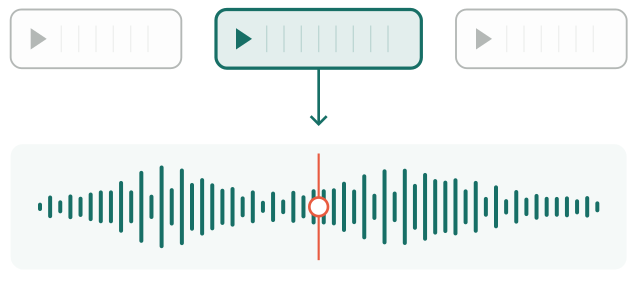
Sync different takes to each other
FineSync aligns each recorded video clip as accurately as possible to the master audio track, letting you know how much to stretch clips by for the best fit, and how well it's done.
I've developed a number of little tools to improve my workflow and efficiency, for more creativity in the edit and the colour grade. They're being made available here.
Available now
Multi-take best-fit alignment with FineSync, and light-accurate lens emulation, available to add into a workflow for more accurate audio sync, less time wasted and improved picture quality.
Sync different takes to each other
FineSync aligns each recorded video clip as accurately as possible to the master audio track, letting you know how much to stretch clips by for the best fit, and how well it's done.
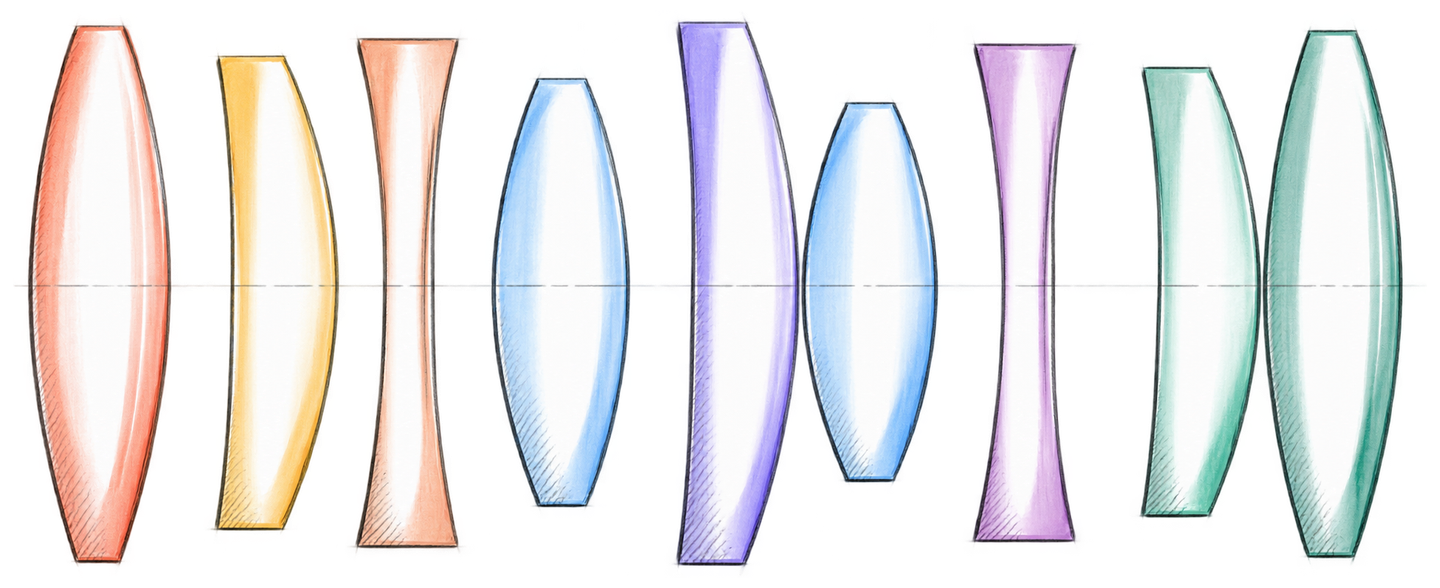
Scene-linear lens emulation for an accurate color pipeline
Accurate Diffusion, Bloom, Radial Chromatic Aberration, Sharpening and Lens Defocus, according to the latest research.
LinearLens - Individual tools
Click on the plugin to find out more.
Subtle diffusion filtering
£30 lifetime ↗ DaVinci Resolve DCTL Linear BloomGentle lens bloom
£30 lifetime ↗ DaVinci Resolve DCTL Radial Chromatic AberrationRadial focus offset for different wavelengths
£30 lifetime ↗ DaVinci Resolve DCTL MTF SharpenPercieved resolution shaping.
£30 lifetime ↗ DaVinci Resolve DCTL Lens DefocusDefocus based on real world aperture behaviour.
£30 lifetime ↗Built for real production work
FineSync developed through music video and session filming, where the master audio would make the video cut too prescriptive. LinearLens came together because I wanted to put my lens-related effects in a more physically accurate part of the color pipeline.
Not sure whether this suits your workflow?
Get in touch