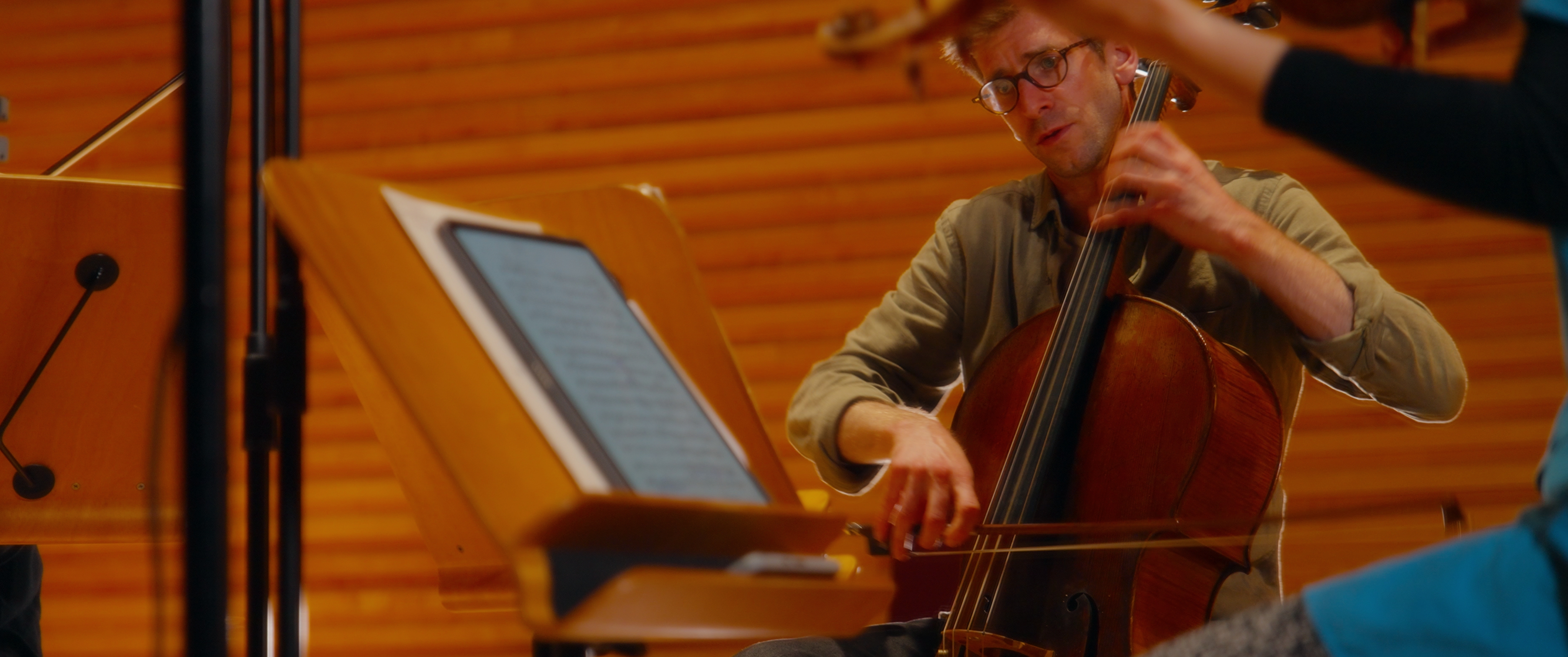
Example 01 / Linear Diffusion
LinearLens / DaVinci Resolve DCTLs
Linear Diffusion redistributes the light in the linear domain, reducing the intensity of high energy sources and distributing it to the surrounding pixels.
Demonstration
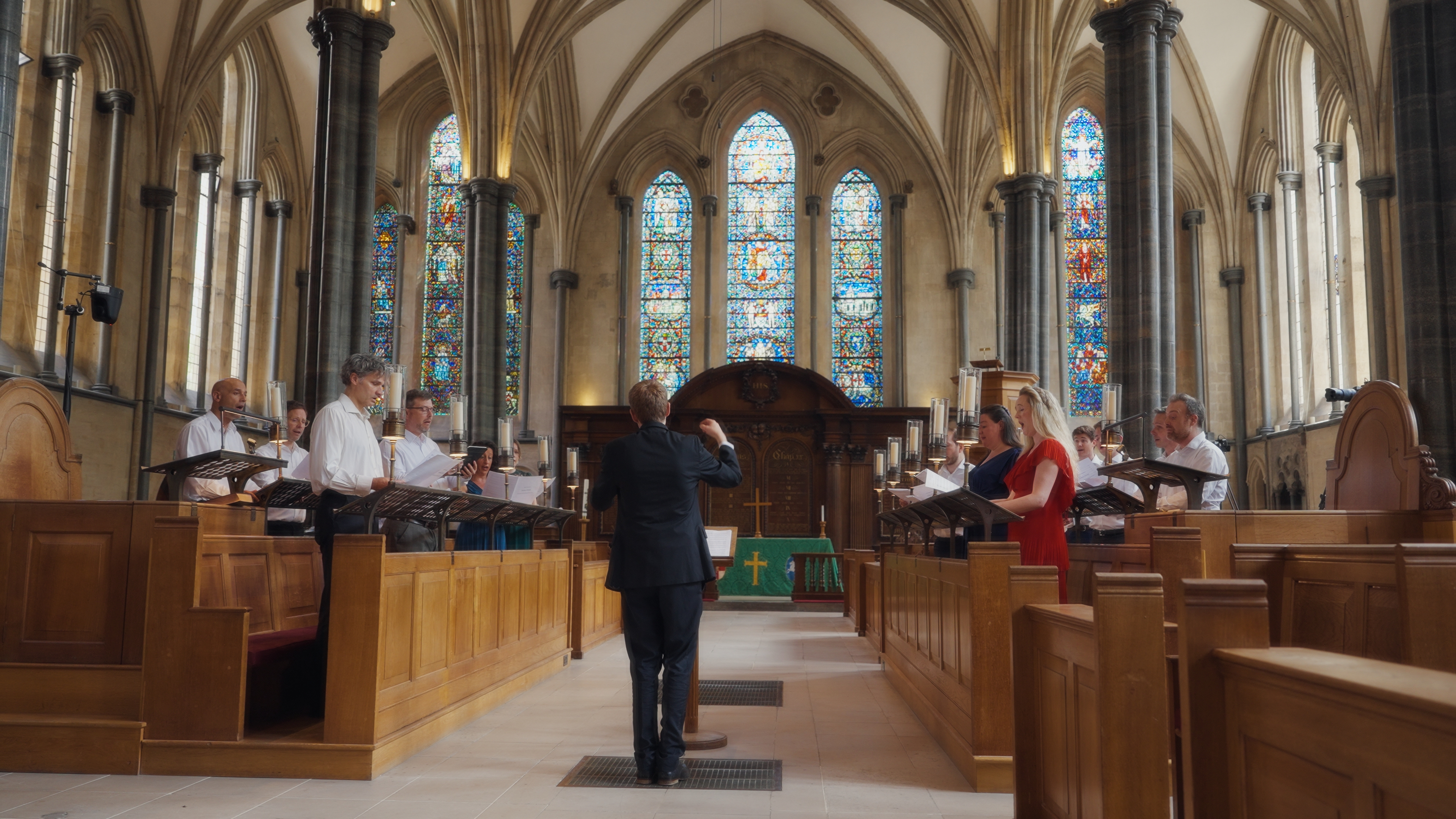
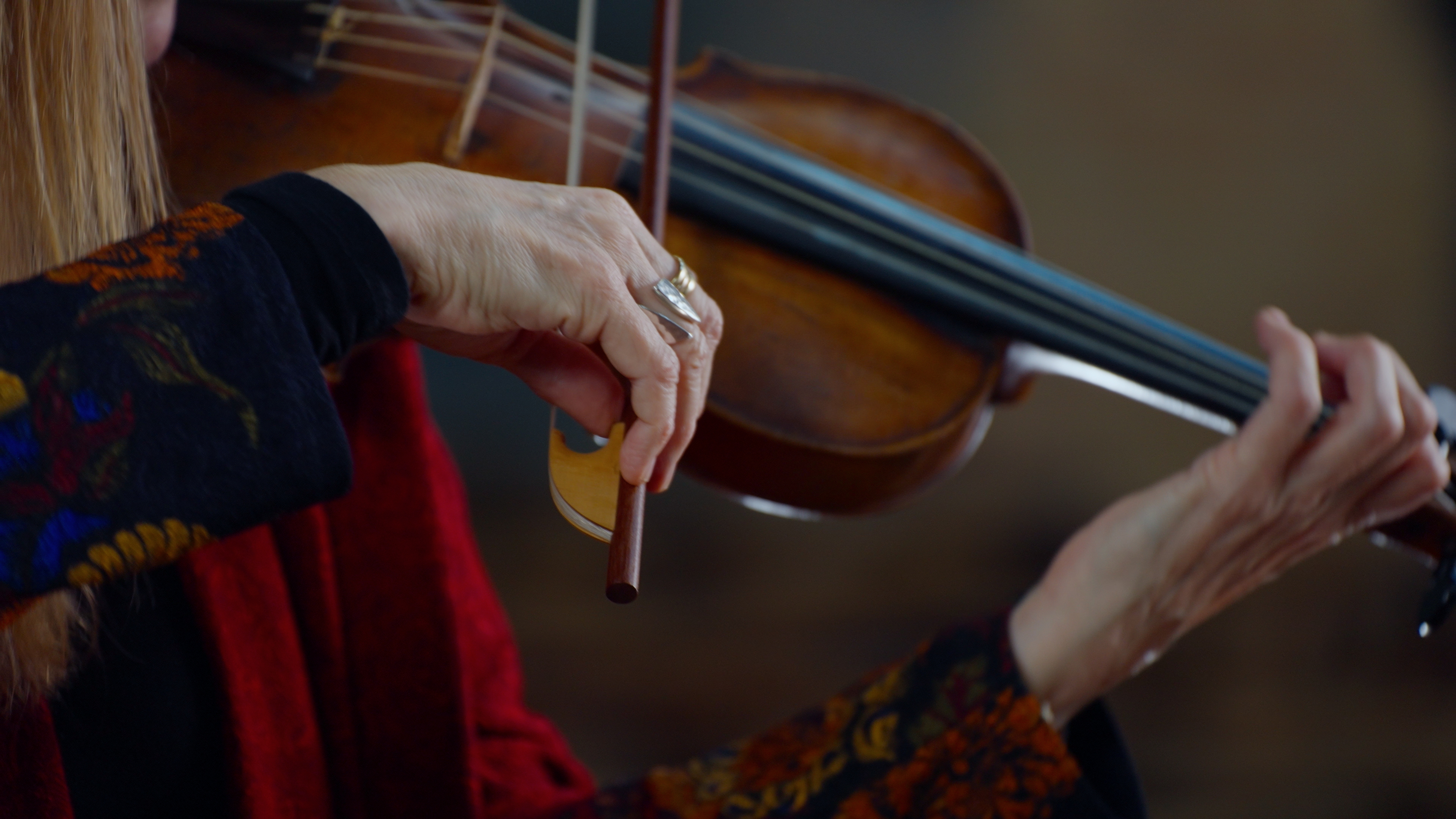
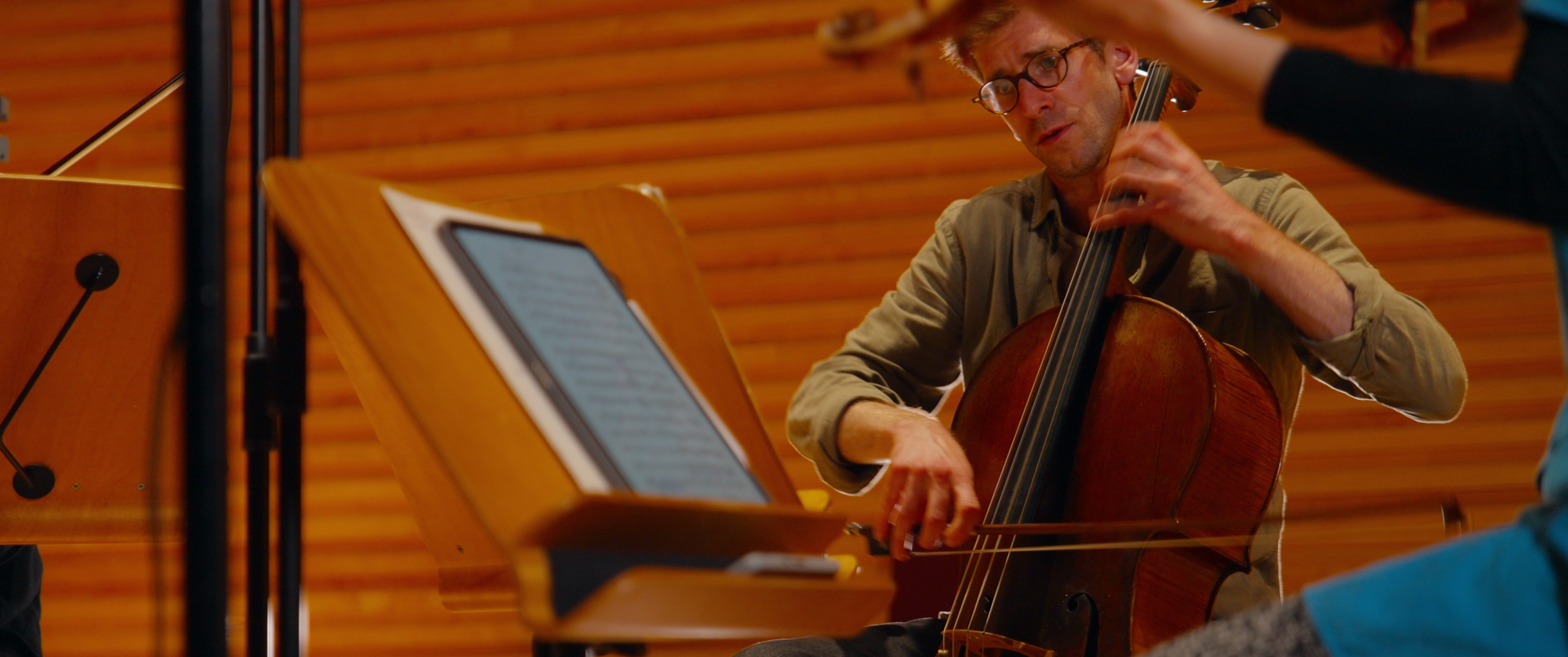
Each wipe uses one neutral frame from the demo set and the matching LinearLens output for this tool.
Example 01 / Linear Diffusion
Example 02 / Linear Diffusion
Example 03 / Linear Diffusion
The science
Optical diffusion happens before we hit the sensor, so any emulation should happen as early in the post-production process as possible, interpreting the light before it is manipulated by the colorist.
Doing this to linear-light RGB means twice the value still represents twice the light - applying diffusion as a display-referred blur is trying to do the same thing after a nonlinear encoding has already changed that relationship.
LinearLens Linear Diffusion, when used in the appropriate pipeline, creates a more direct relationship between source intensity and the energy being distributed into neighbouring pixels, far more like it's real world alternative.
Linear Diffusion
Removes digital crispness, softens skin or areas of high detail without smearing or blurring, and creates a more interesting lens character.
Design principle
Designed for wide gamut, linear color space.
Design principle
Tighter and broader components give more character than simple blur radius.
Design principle
The overall image brightness is not affected through use of this effect.
Design principle
Horizontal and vertical control over diffusion for accurate lens matching.
How to use
The DCTL does not need to own your colour management. Put the transforms around it: camera source into a suitable linear RGB representation, LinearLens in the middle, then into the colour-development space you want to grade in.
The important placement is the highlighted block: LinearLens belongs after you have made the image linear, and before the development, grading and film-look stages that intentionally reshape tonal values.
Use a Colour Space Transform, ACES transform or equivalent to get the image into a scene-linear RGB representation while retaining an appropriate gamut.
Place diffusion, bloom, CA, MTF sharpening or defocus here. If you use several, this is the optical-character section of the chain.
Transform onwards into the space used for camera matching, primary colour, creative looks and film emulation. Those stages can then work on an image whose optical character is already established.
Also available
The complete LinearLens suite is a lifetime licence and saves £50 against buying the five tools separately.
Buy the suite