Against a glow effect
Glow is usually applied as an effect after the color grade. Linear Bloom should be used earlier in the image-forming chain, before those highlights have been compressed into a narrow display range.
LinearLens / DaVinci Resolve DCTLs
Linear Bloom recreates authentic glow and haze on the raw light energy.
Demonstration
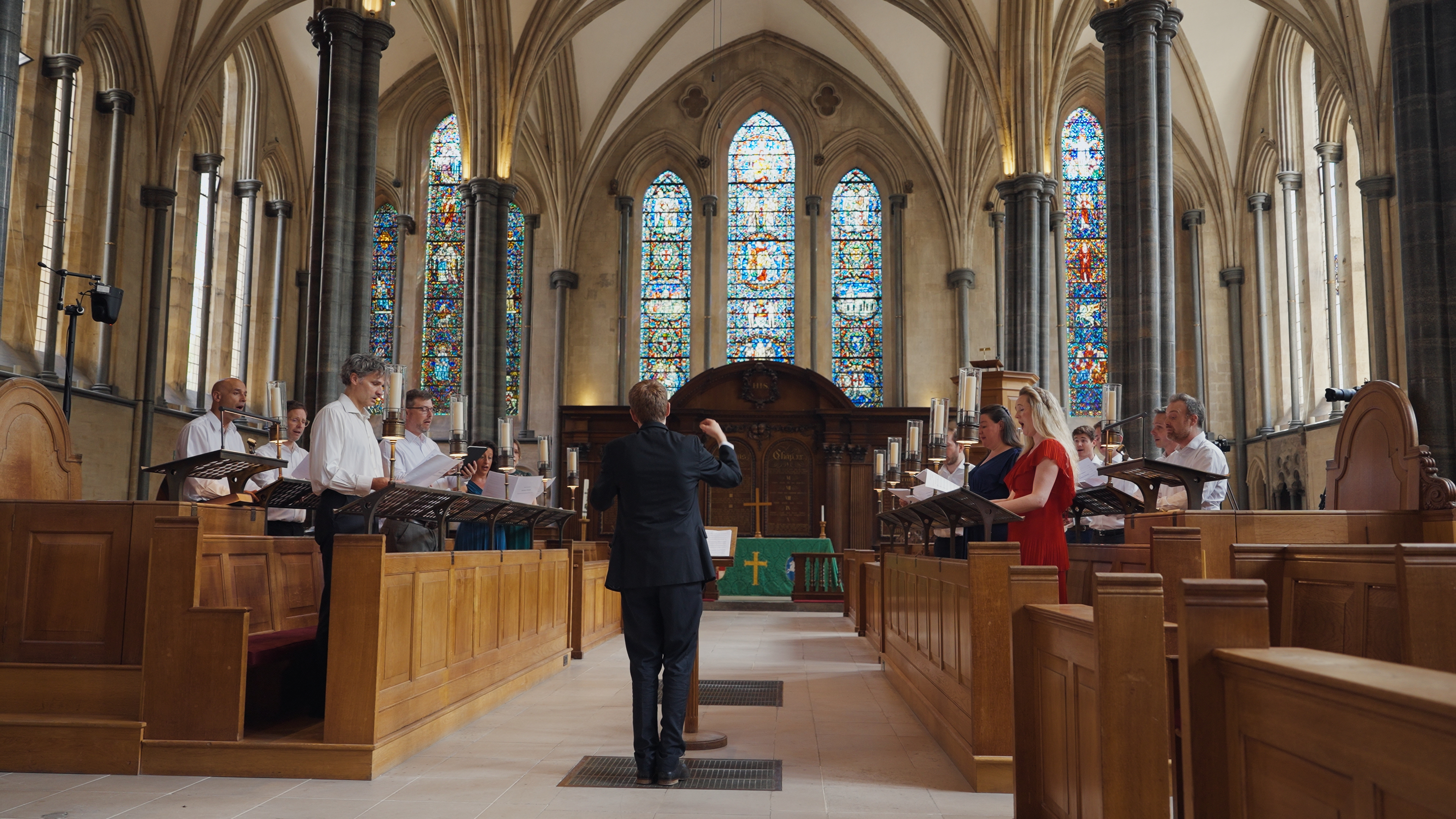
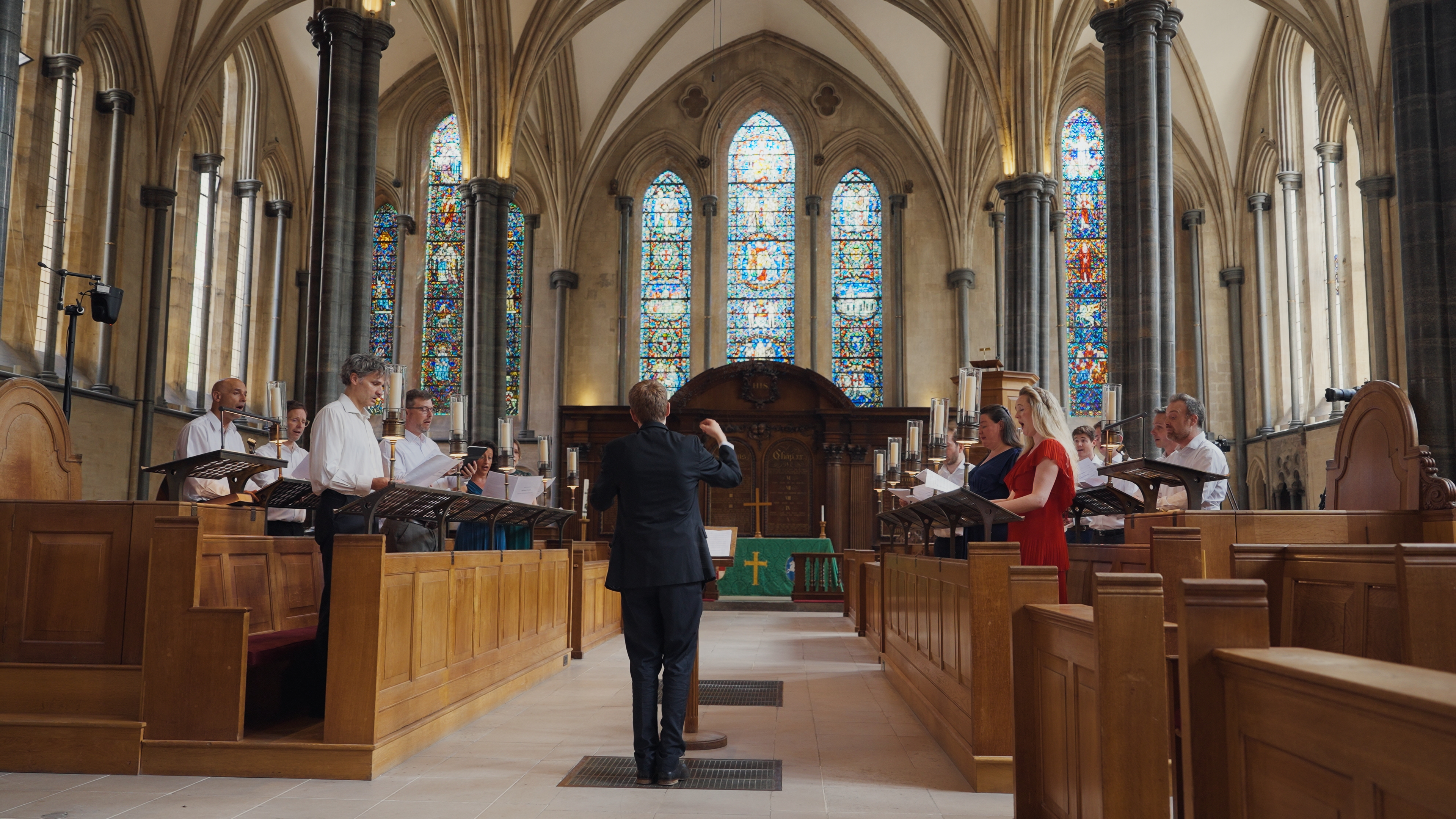
The comparison component is built into every DCTL page, so genuine matched before/after renders can be swapped in without changing the page layout or JavaScript.
The science
Bloom and veiling glare come from light scattering inside the optical system and around very bright image-forming energy. The amount of contamination is related to the source itself, not to how bright that source looks after color corrections.
Working before the development or display transform keeps very bright scene values distinct. That gives the bloom stage access to the intensity relationship that a display-referred glow effect has largely lost.
Glow is usually applied as an effect after the color grade. Linear Bloom should be used earlier in the image-forming chain, before those highlights have been compressed into a narrow display range.
A broader low-frequency component lets strong sources lift their surrounding field, bigger than just a tight halo.


Linear Bloom
Particularly useful for practical lights, windows, specular highlights, candles and stage lighting where a conventional post-render glow can feel detached from the source.
Design principle
The stage responds to the underlying scene-linear intensity before the display rendering stage.
Design principle
Tighter bloom and broader veiling behaviour can be balanced for different optical characters.


Design principle
The operation acts on linear RGB values rather than a gamma-compressed representation.
Design principle
Designed to remain useful around compact practicals and specular highlights as well as broad bright areas.
How to use
The DCTL does not need to own your colour management. Put the transforms around it: camera source into a suitable linear RGB representation, LinearLens in the middle, then into the colour-development space you want to grade in.
The important placement is the highlighted block: LinearLens belongs after you have made the image linear, and before the development, grading and film-look stages that intentionally reshape tonal values.
Use a Colour Space Transform, ACES transform or equivalent to get the image into a scene-linear RGB representation while retaining an appropriate gamut.
Place diffusion, bloom, CA, MTF sharpening or defocus here. If you use several, this is the optical-character section of the chain.
Transform onwards into the space used for camera matching, primary colour, creative looks and film emulation. Those stages can then work on an image whose optical character is already established.
Also available
The complete LinearLens suite is a lifetime licence and saves £50 against buying the five tools separately.
Buy the suite