



Use a Colour Space Transform, ACES transform or equivalent to get the image into a scene-linear RGB representation while retaining an appropriate gamut.
LinearLens / DaVinci Resolve DCTLs
Build the optical stage before you build the look.
Five spatial Resolve DCTLs for diffusion, bloom, chromatic aberration, sharpening and defocus, designed to operate while the image is still scene-linear.
Demonstration
Preview the real LinearLens renders.
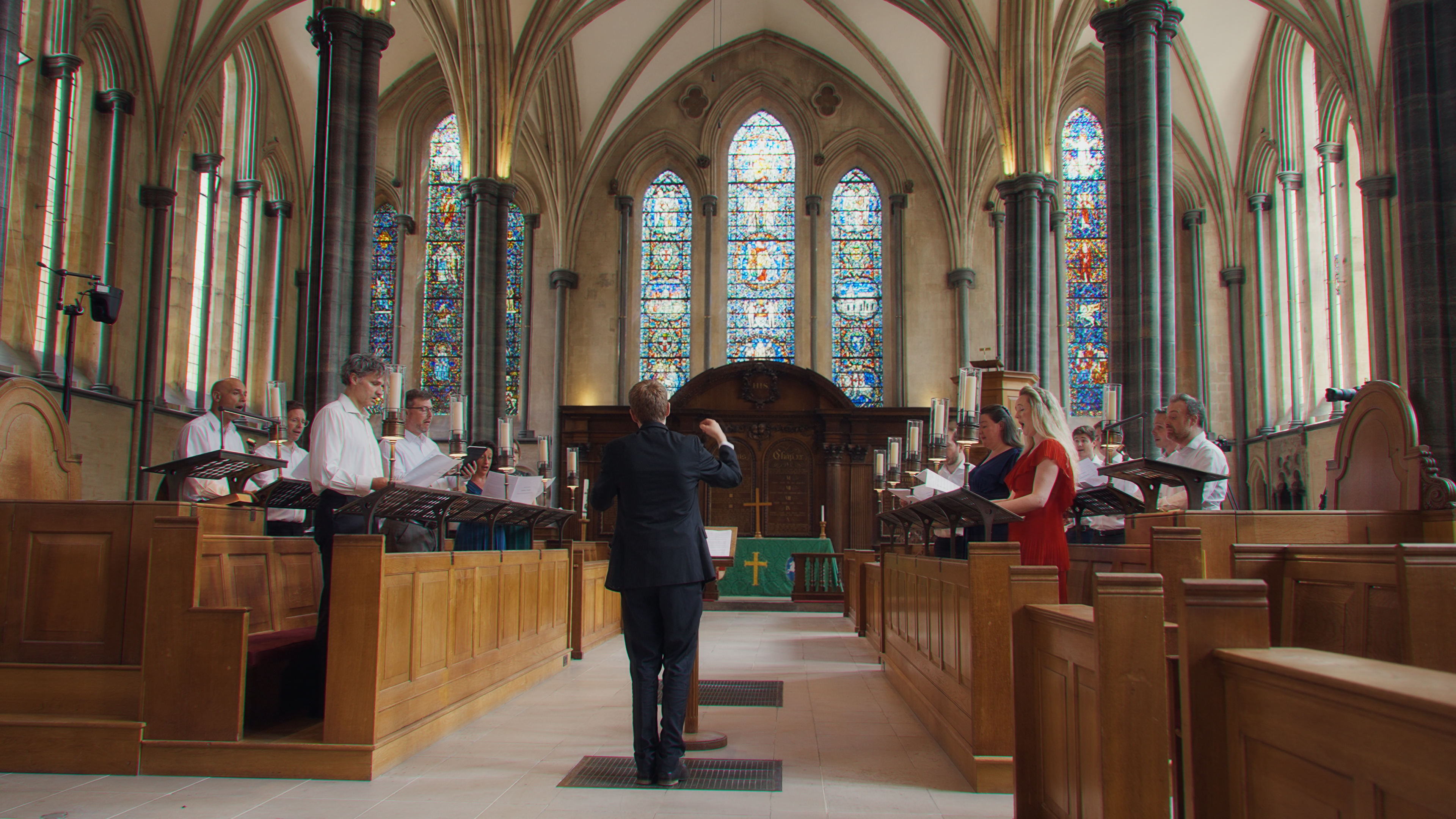
Choose any neutral frame and any available LinearLens render, then wipe between them in one larger viewer.
Neutral image
Effect render
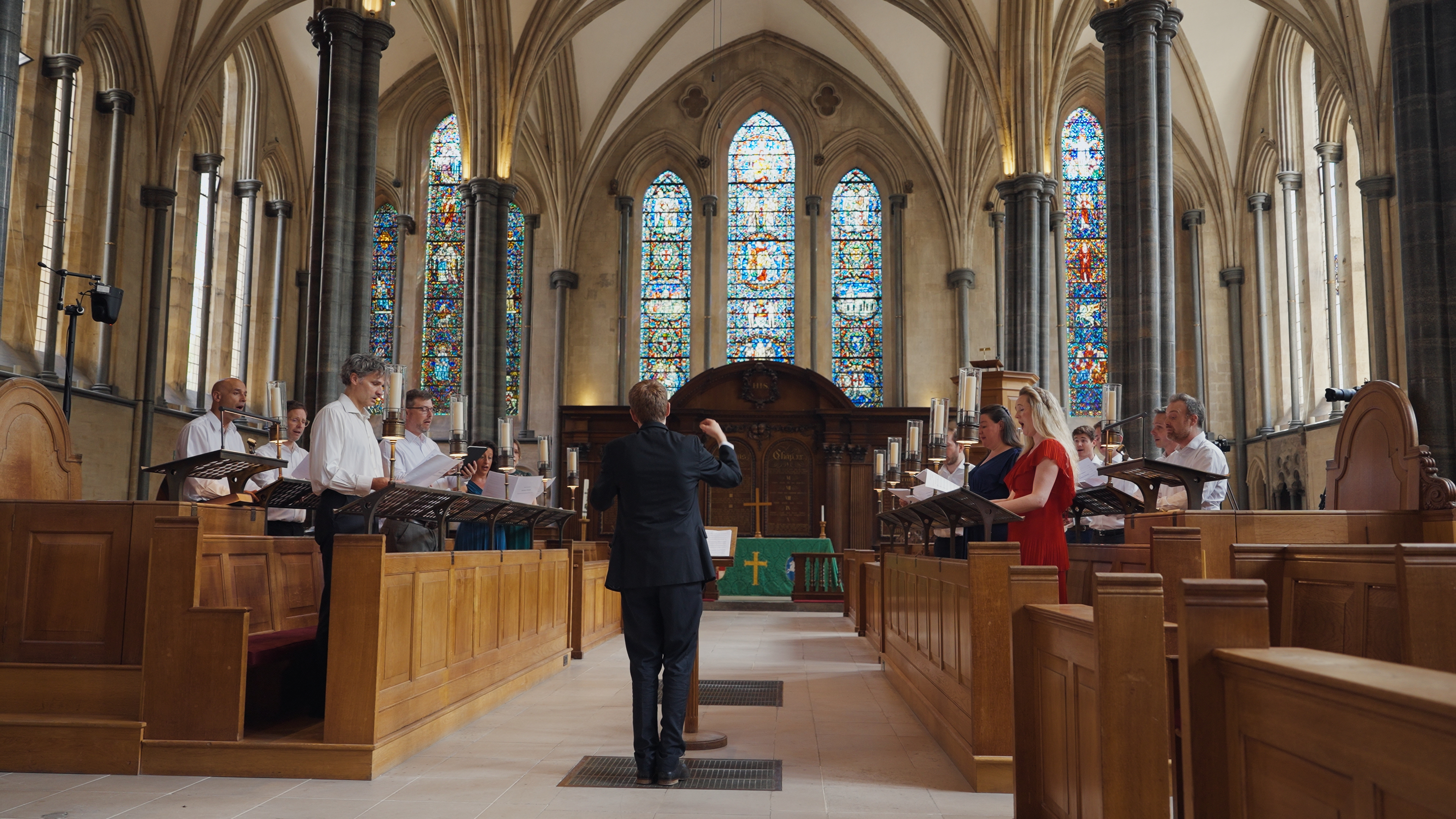
BEFORE
AFTER
Example 01 / All LinearLens effects
The suite
Five different optical jobs. One consistent place in the pipeline.
Each tool can be licensed individually, or the complete suite is £100 for a lifetime licence.
DaVinci Resolve DCTL
Linear Diffusion
Subtle diffusion filtering
£30 lifetime ↗ DaVinci Resolve DCTL Linear BloomGentle lens bloom
£30 lifetime ↗ DaVinci Resolve DCTL Radial Chromatic AberrationRadial focus offset for different wavelengths
£30 lifetime ↗ DaVinci Resolve DCTL MTF SharpenPercieved resolution shaping.
£30 lifetime ↗ DaVinci Resolve DCTL Lens DefocusDefocus based on real world aperture behaviour.
£30 lifetime ↗Why linear?
Spatial maths should happen while pixel values still describe light proportionally.
Diffusion, glare, blur and sharpening all combine neighbouring pixel values. In scene-linear RGB, those values retain a direct relationship to captured light: twice the value means twice the light.
After a log curve, tone map or display transform, the same arithmetic is operating on a deliberately reshaped representation. That can still look good, but it is no longer describing the same physical operation. LinearLens is built to give those spatial stages an explicit place before the development and look pipeline.
How to use
Make a linear optical block, then continue into the grade.
The DCTL does not need to own your colour management. Put the transforms around it: camera source into a suitable linear RGB representation, LinearLens in the middle, then into the colour-development space you want to grade in.
01
Camera source
Log / RAW development input
02
Transform to linear
Keep a suitable working gamut; make light scene-linear
03
LinearLens DCTL(s)
Diffusion / bloom / CA / MTF / defocus
04
Transform to development space
For example DWG Intermediate or another grading space
05
Camera + colour + film work
Balance, creative grade, film emulation, output rendering
The important placement is the highlighted block: LinearLens belongs after you have made the image linear, and before the development, grading and film-look stages that intentionally reshape tonal values.
Place diffusion, bloom, CA, MTF sharpening or defocus here. If you use several, this is the optical-character section of the chain.
Transform onwards into the space used for camera matching, primary colour, creative looks and film emulation. Those stages can then work on an image whose optical character is already established.
Licensing
Lifetime licences. Individual tools or the full suite.
Each DCTL is £30. The complete five-tool LinearLens suite is £100.
Lifetime licence
All five DCTLs
£100
START ORDER
Individual tools
£30 each.
Choose only the stage you need. Every individual licence is lifetime rather than subscription-based.
Compare tools