Against Gaussian blur
Gaussian blur is smooth and computationally convenient, but it does not represent a filled aperture. Bright points and edge structure therefore have a different visual character.
LinearLens / DaVinci Resolve DCTLs
Lens Defocus is built around an aperture-style point-spread function with optional field and chromatic imperfections.
Demonstration
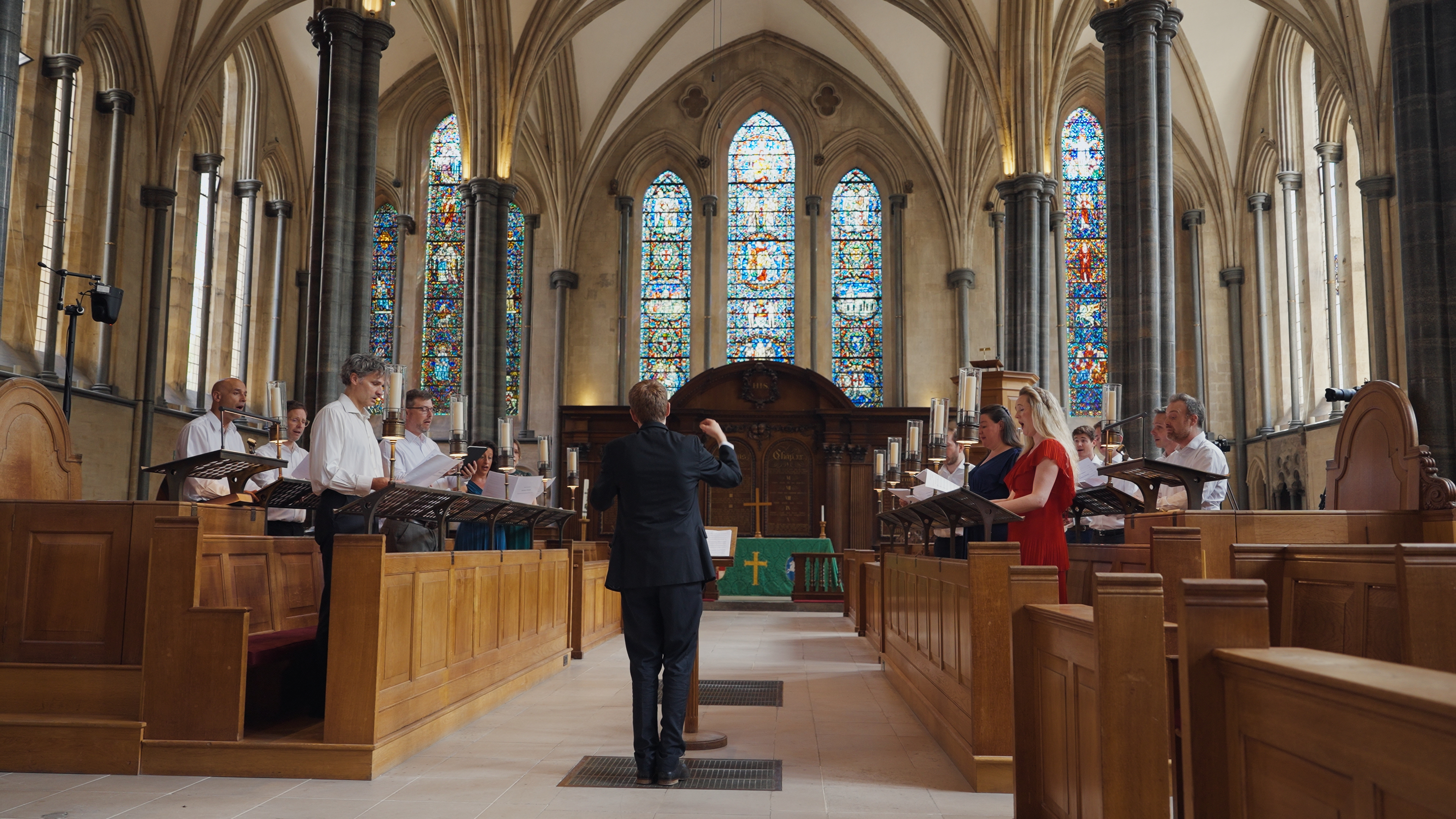
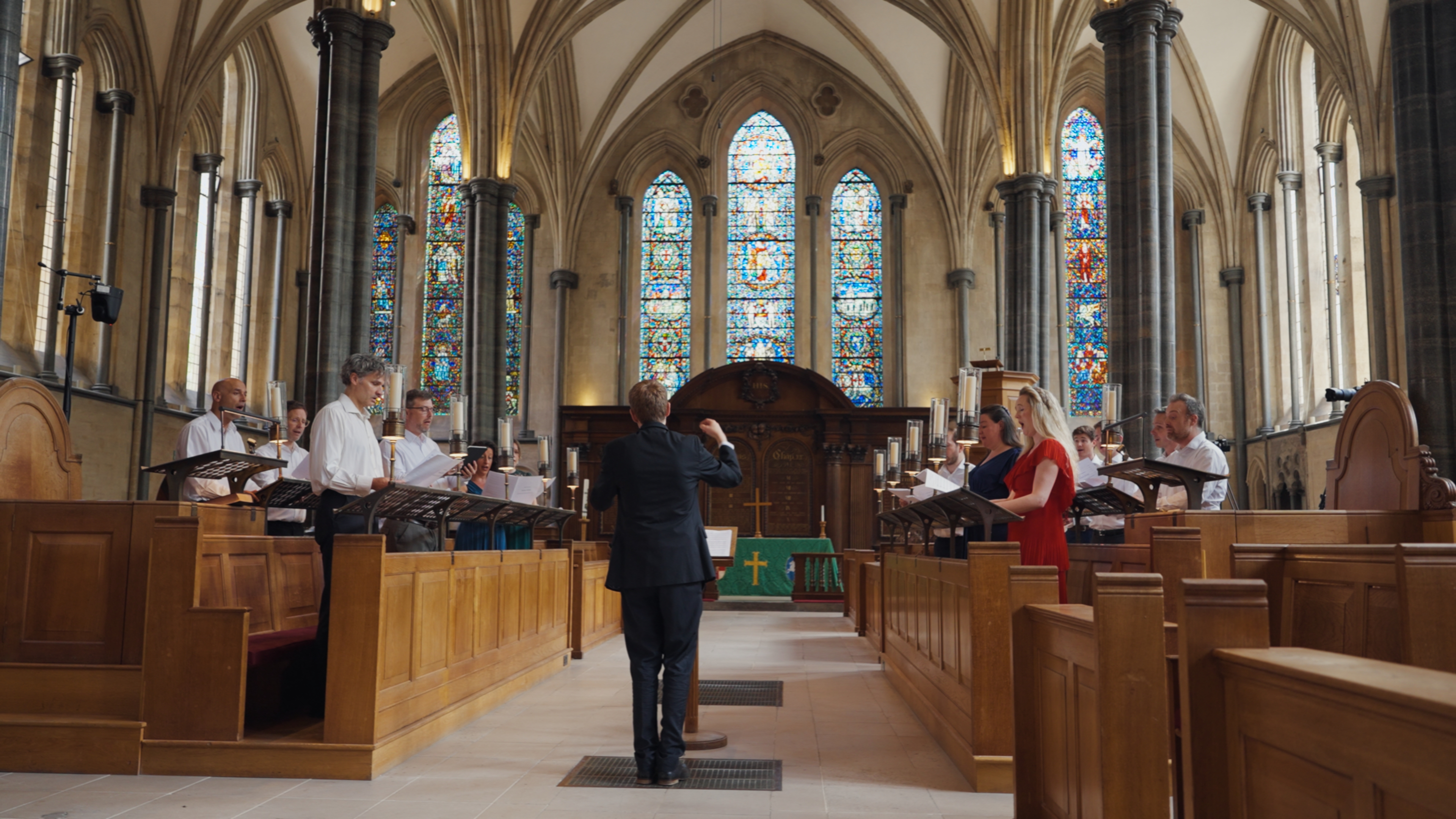
The comparison component is built into every DCTL page, so genuine matched before/after renders can be swapped in without changing the page layout or JavaScript.
The science
When a point is out of focus, a lens maps it over an area related to the aperture rather than convolving it with a Gaussian bell curve. That difference is why optical defocus has a recognisable bokeh structure and handles bright points differently from a normal blur.
Real lenses also have imperfect focus surfaces and wavelength-dependent focus. Adding controlled field curvature, astigmatism and restrained colour-dependent focus behaviour lets the defocus stage move away from the perfectly uniform response of a digital blur.
Gaussian blur is smooth and computationally convenient, but it does not represent a filled aperture. Bright points and edge structure therefore have a different visual character.
Optional field and colour imperfections allow the image to retain the small asymmetries that make real optics feel less mathematically uniform.


Lens Defocus
Useful for lens matching, controlled background softening, taking the clinical edge off a composite, or creating defocus that reacts more like an optical system than a general-purpose blur.
Design principle
Out-of-focus information is distributed over a filled aperture footprint.
Design principle
Focus can vary over the image field rather than assuming one perfectly flat focus plane.


Design principle
Directional focus response can diverge across the field where a more imperfect lens character is wanted.
Design principle
Optional wavelength-dependent focus offsets can add restrained longitudinal colour character.
How to use
The DCTL does not need to own your colour management. Put the transforms around it: camera source into a suitable linear RGB representation, LinearLens in the middle, then into the colour-development space you want to grade in.
The important placement is the highlighted block: LinearLens belongs after you have made the image linear, and before the development, grading and film-look stages that intentionally reshape tonal values.
Use a Colour Space Transform, ACES transform or equivalent to get the image into a scene-linear RGB representation while retaining an appropriate gamut.
Place diffusion, bloom, CA, MTF sharpening or defocus here. If you use several, this is the optical-character section of the chain.
Transform onwards into the space used for camera matching, primary colour, creative looks and film emulation. Those stages can then work on an image whose optical character is already established.
Also available
The complete LinearLens suite is a lifetime licence and saves £50 against buying the five tools separately.
Buy the suite